
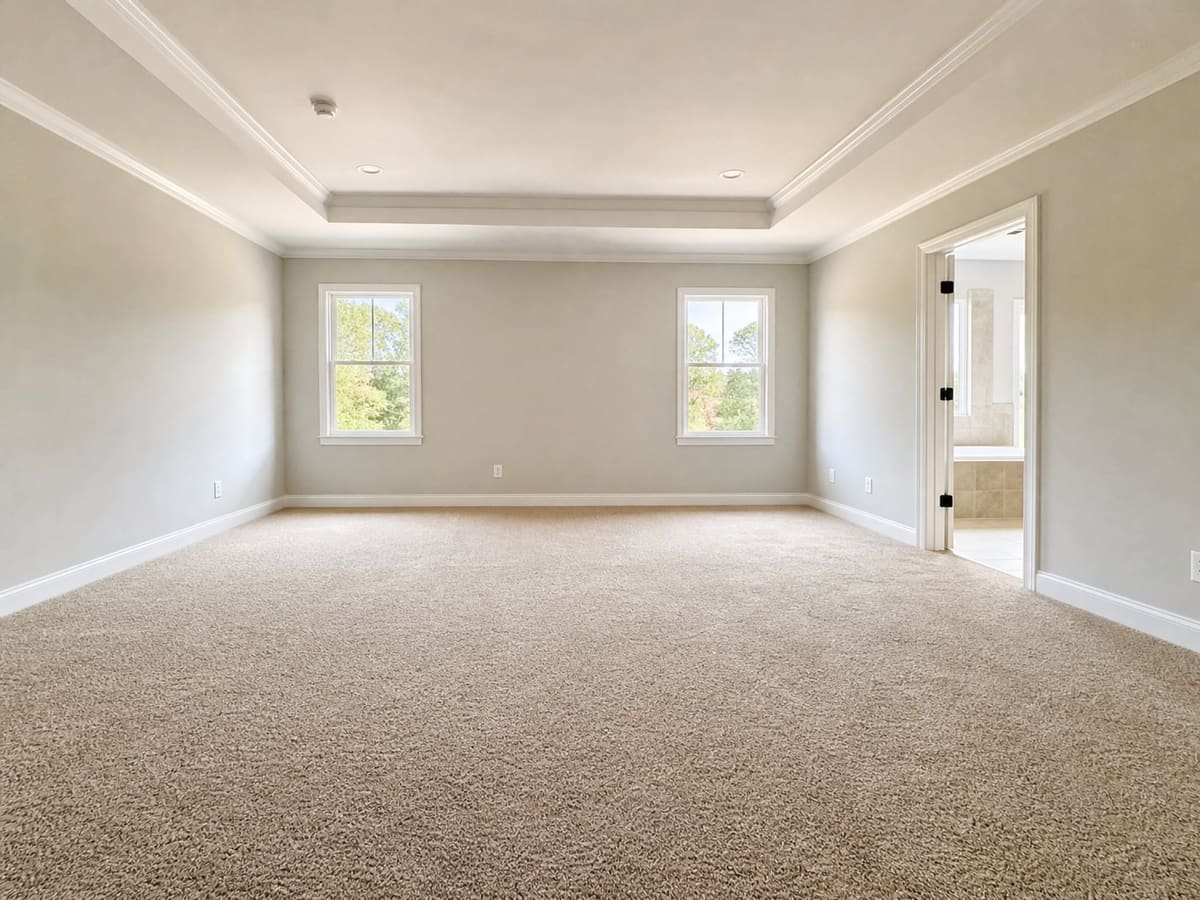
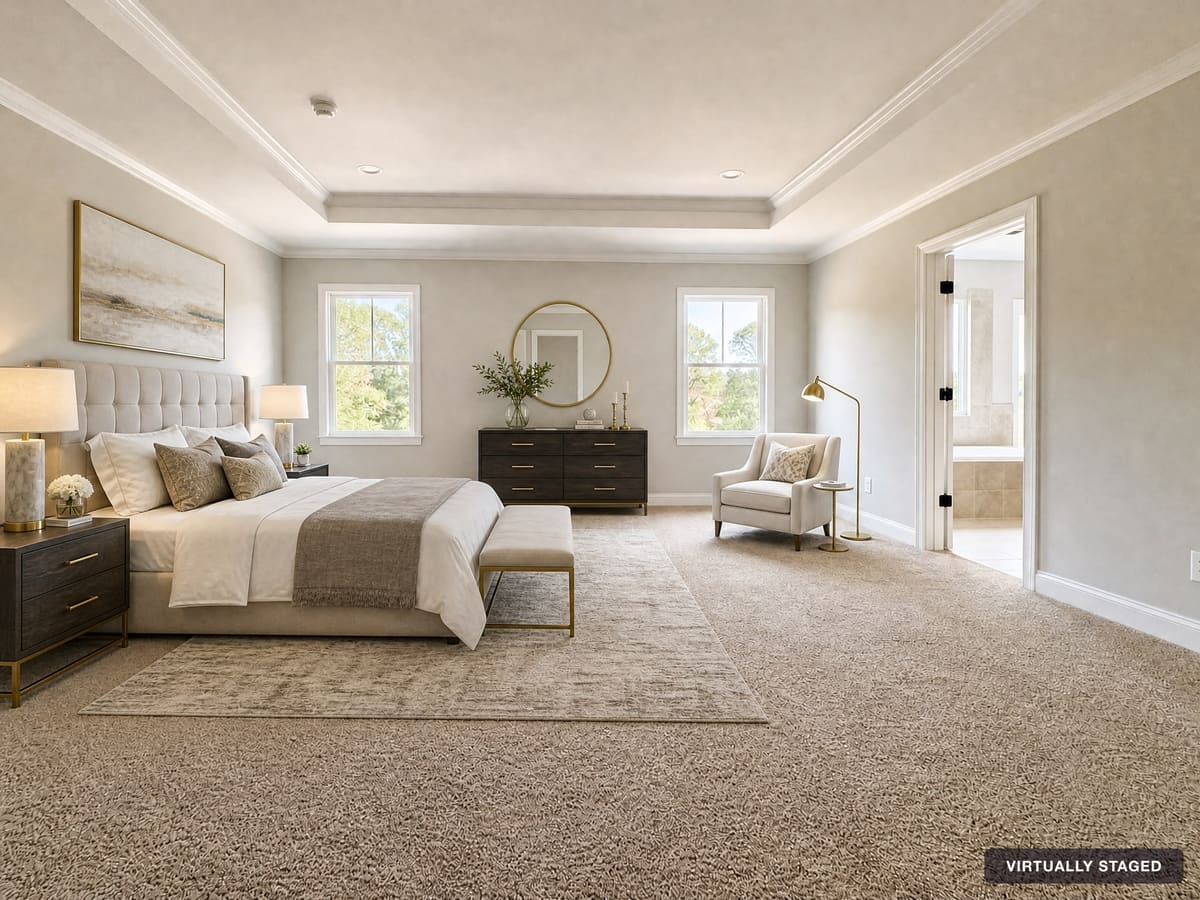
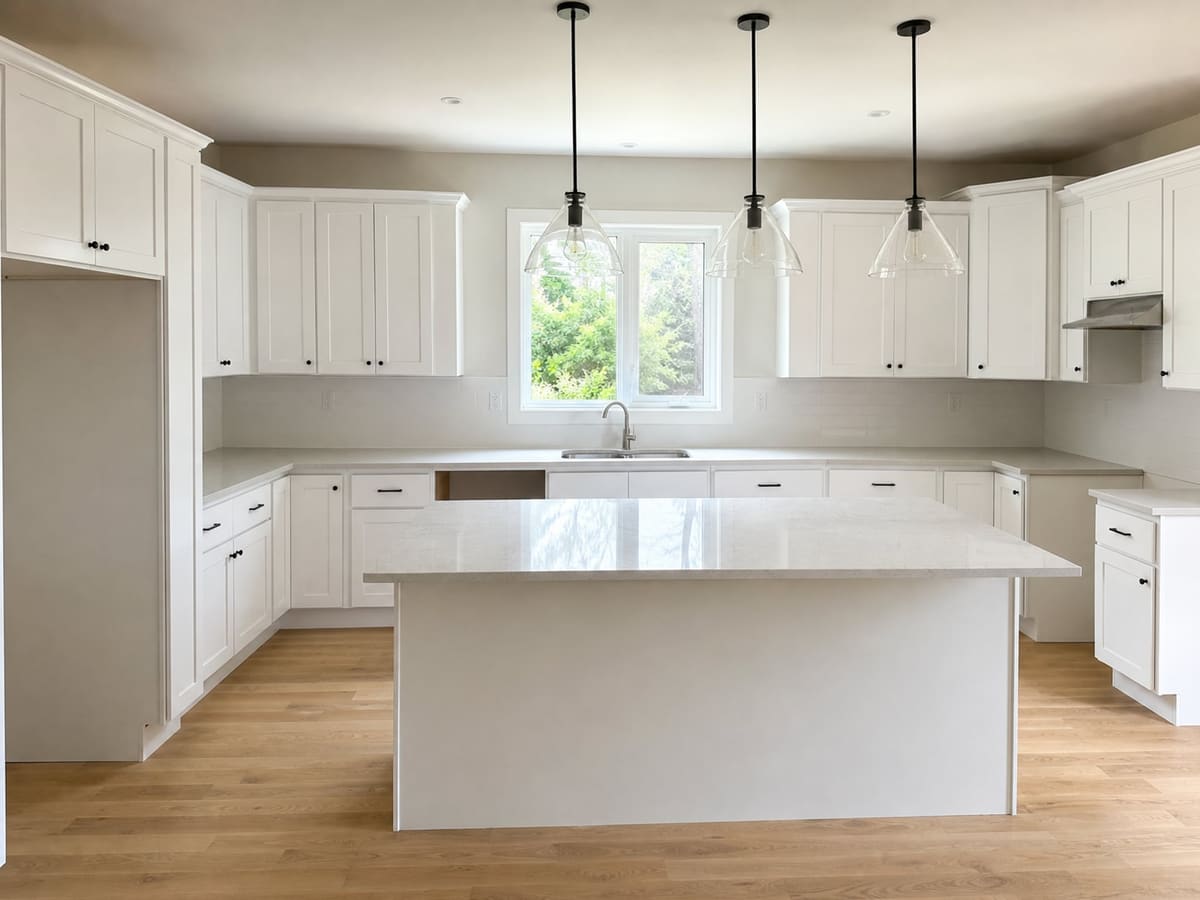
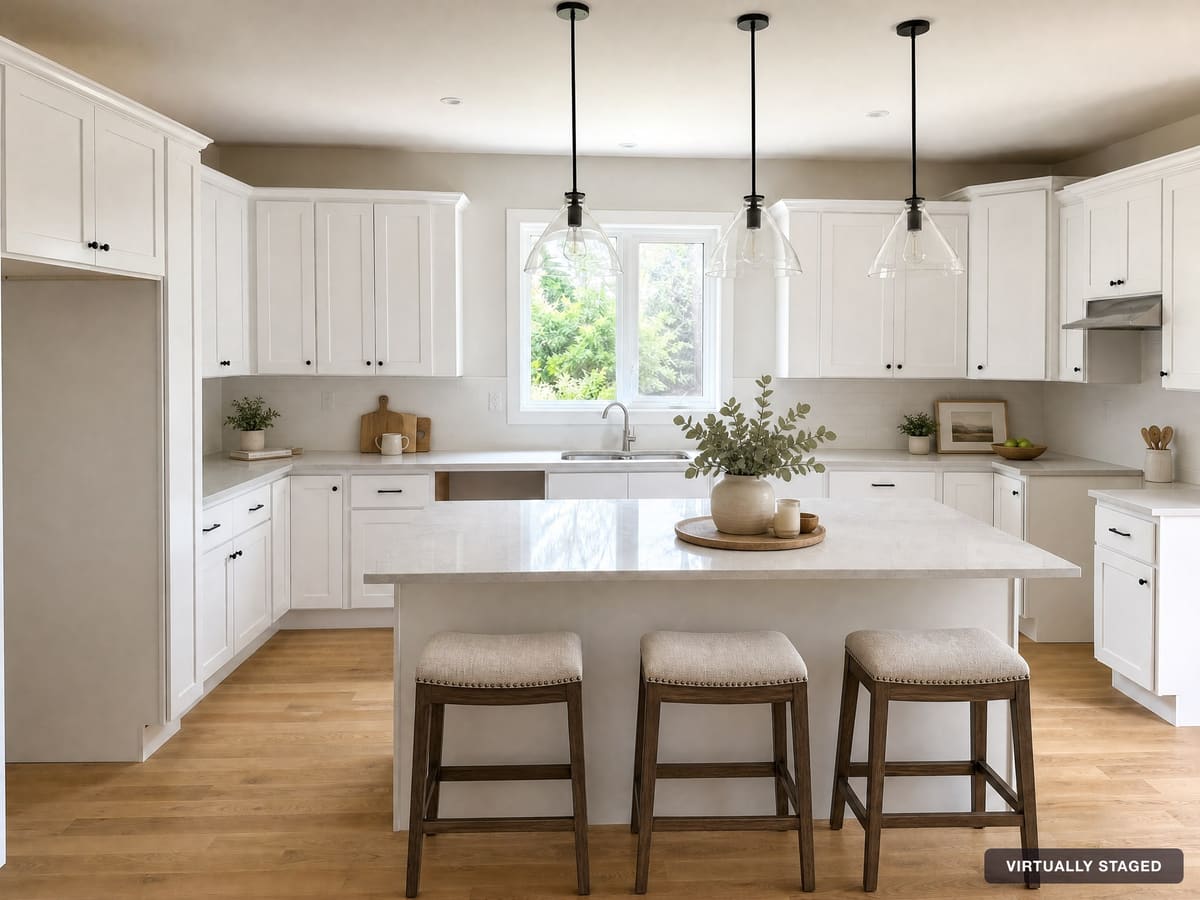
How to Take Photos That Stage Well
The better the starting photo, the better the staged result. A few habits make a big difference:
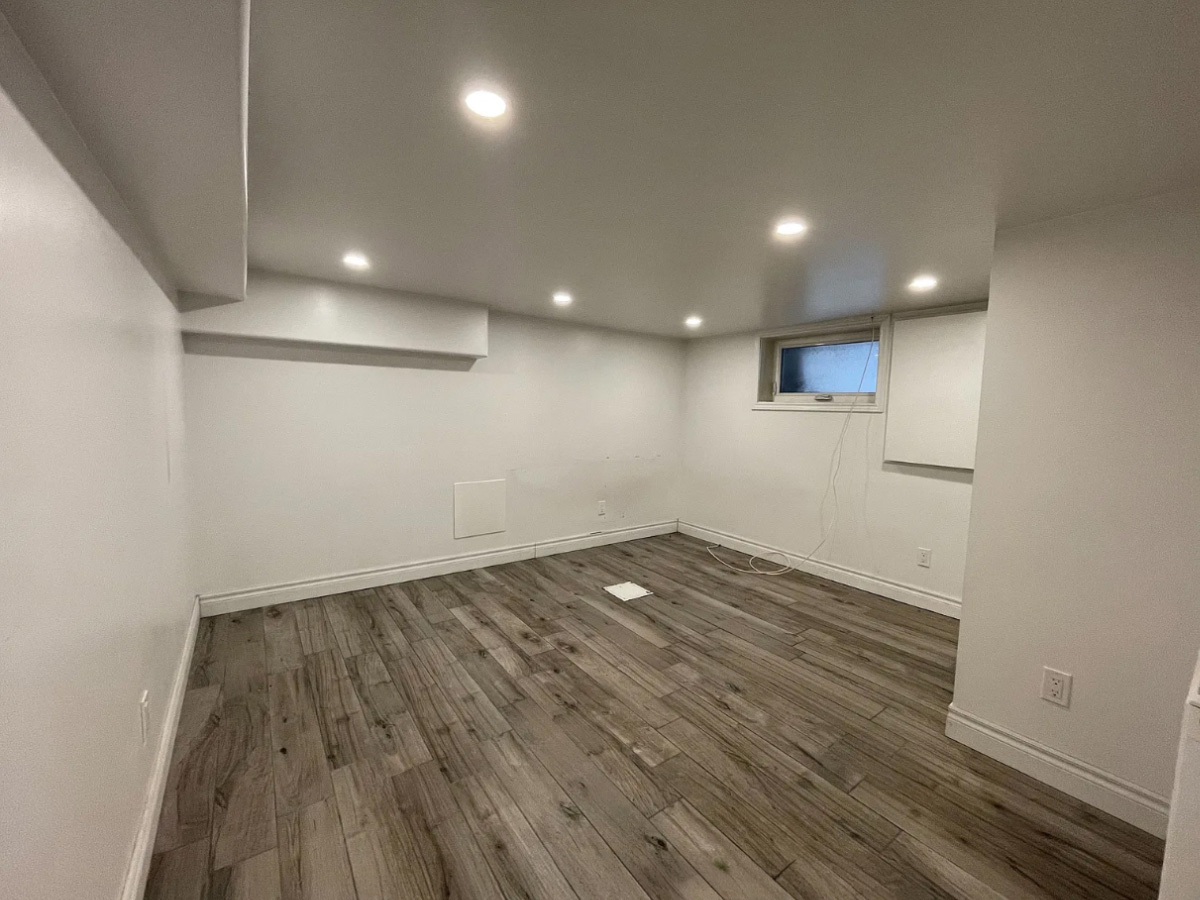
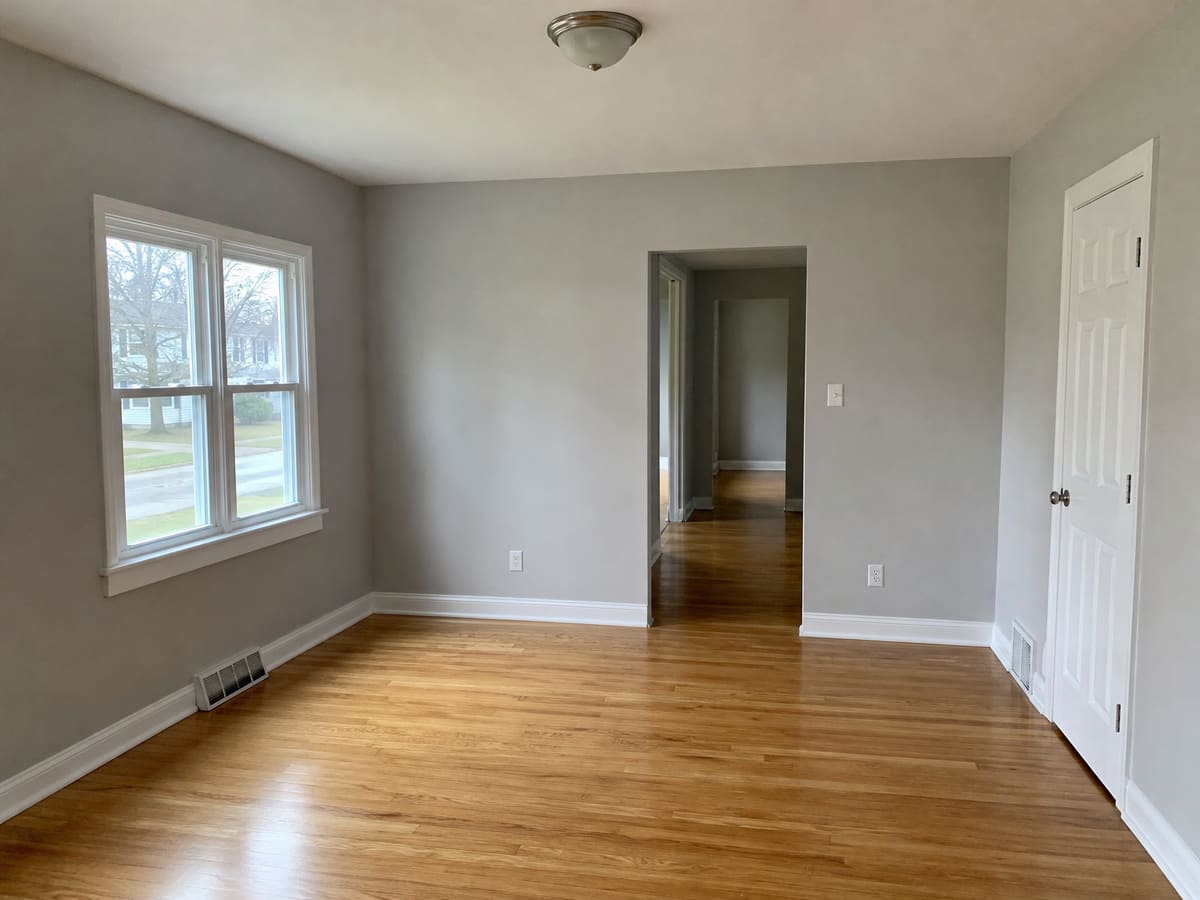
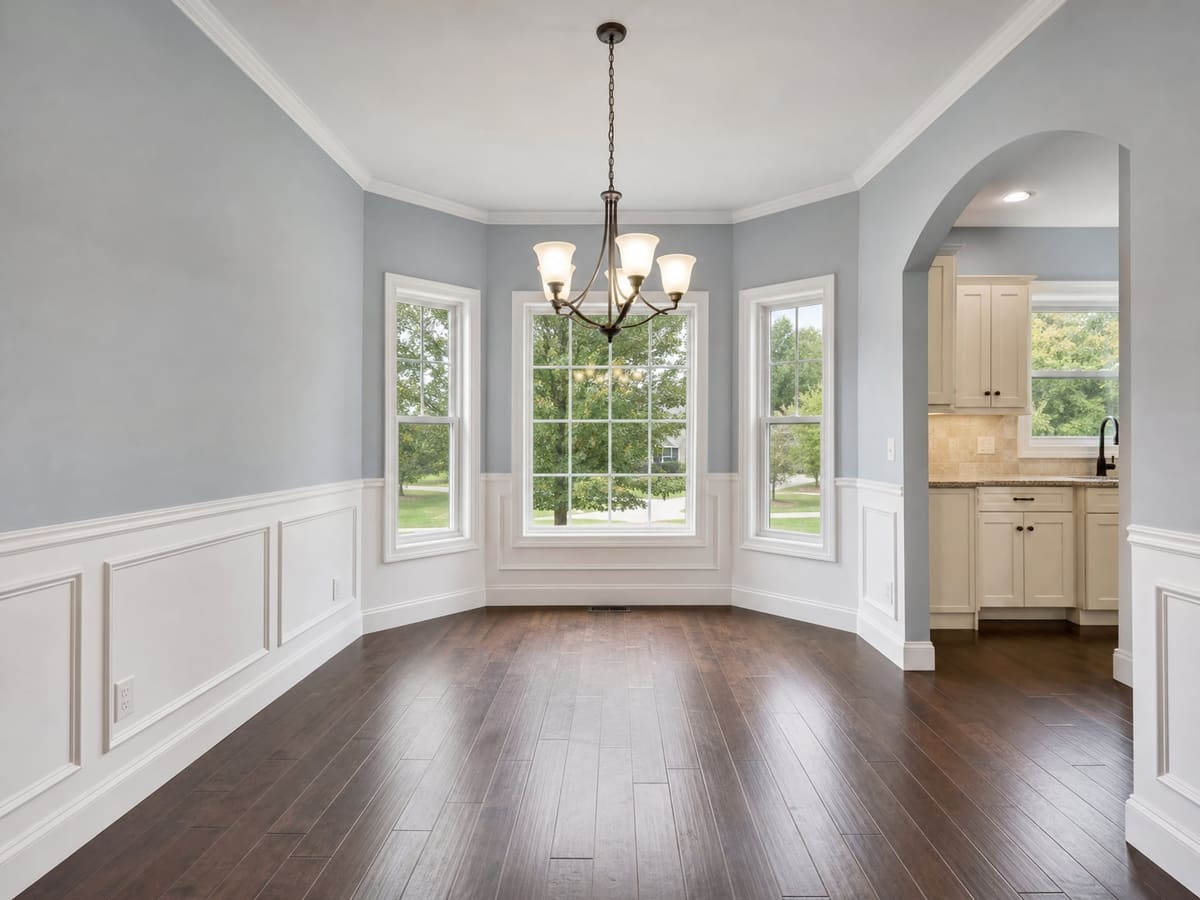
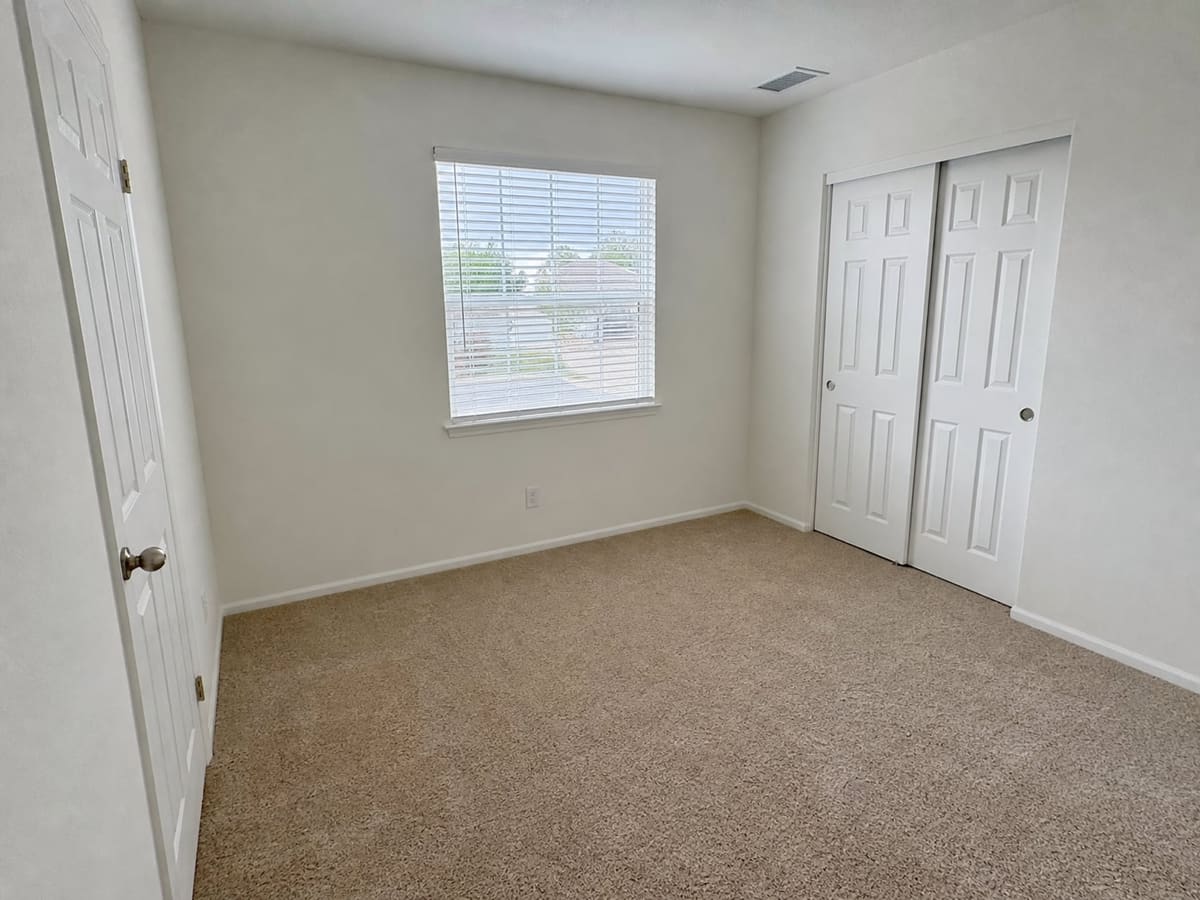
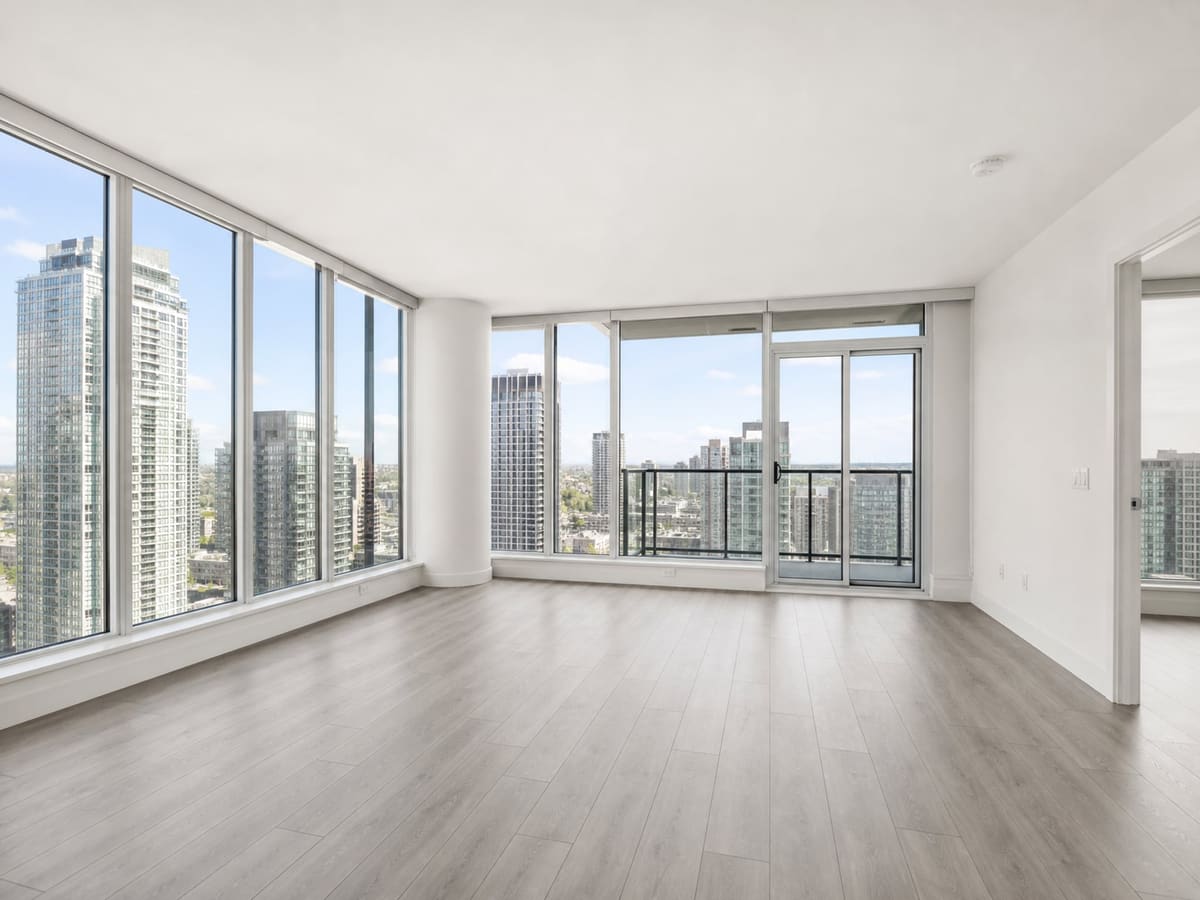
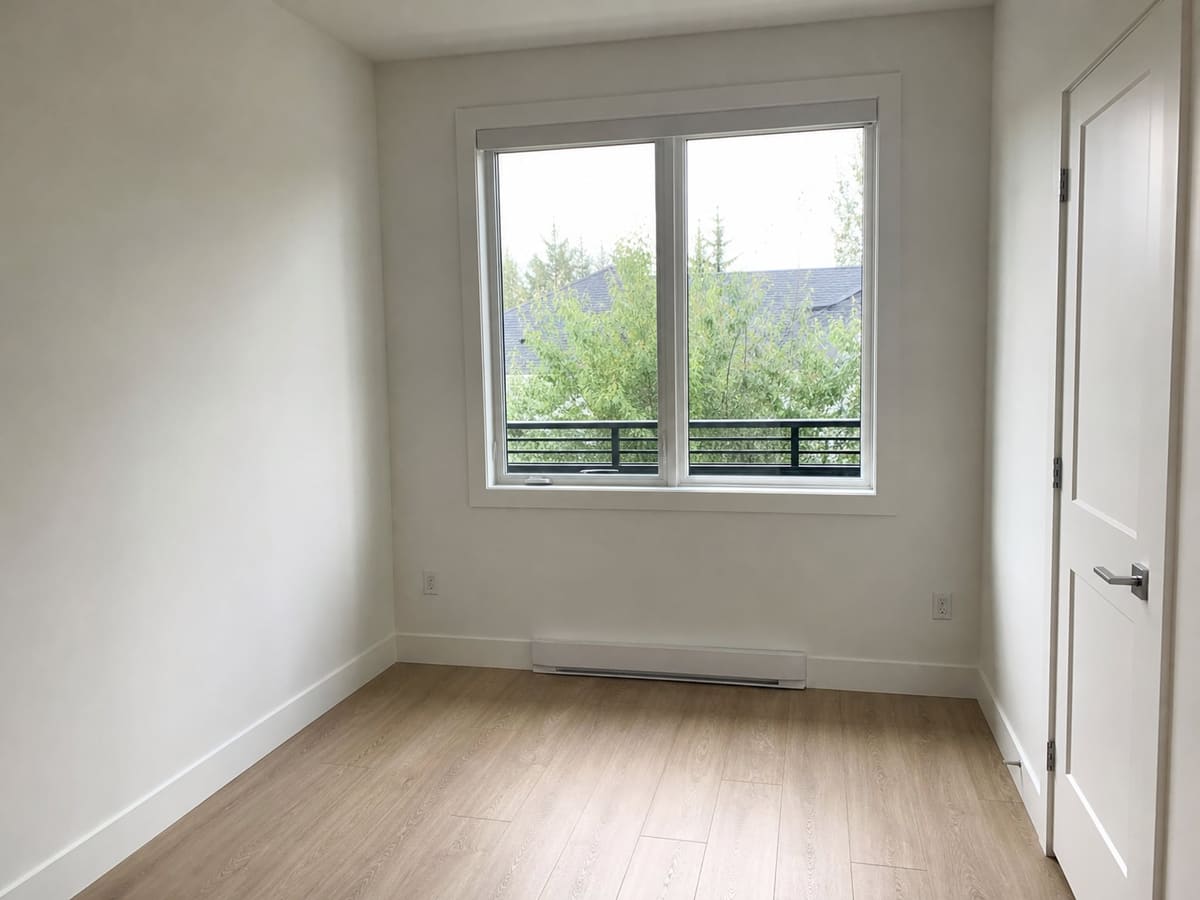
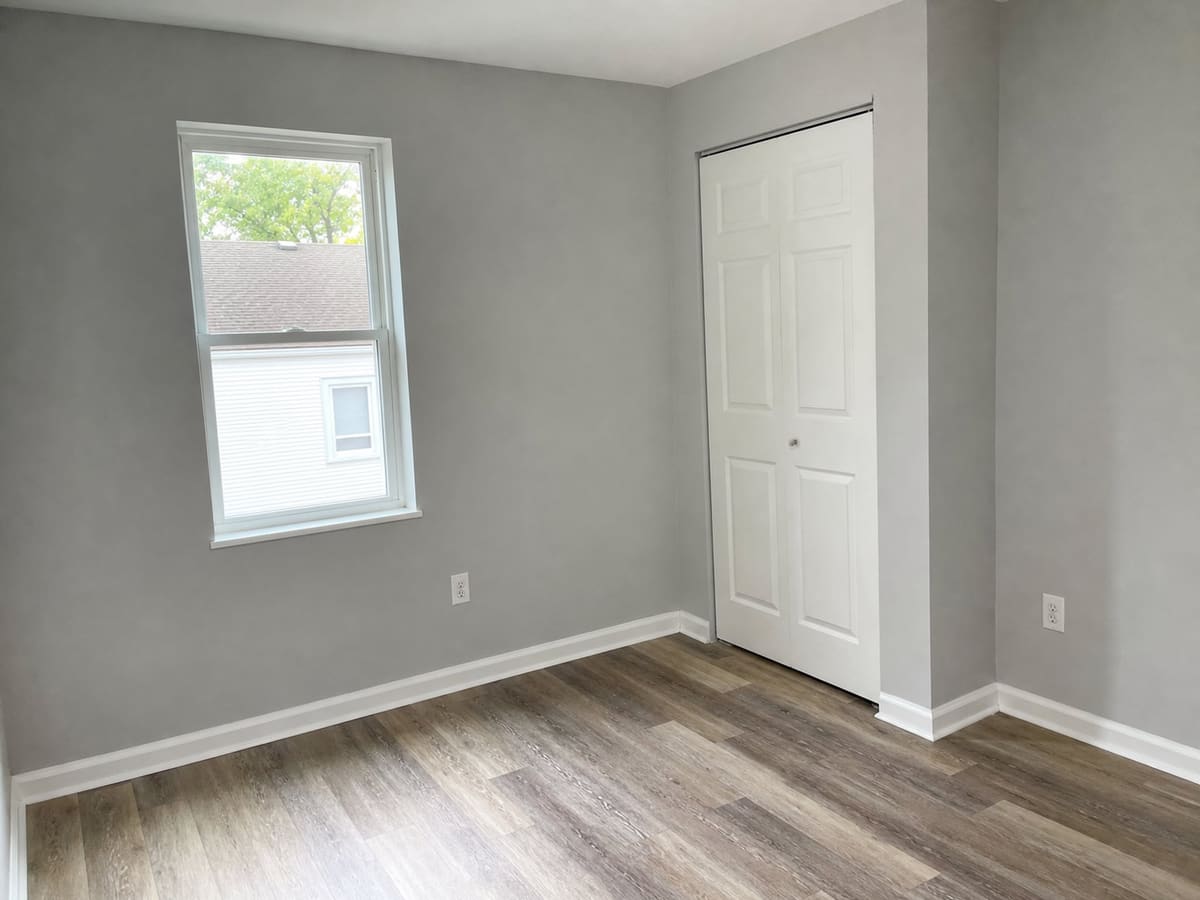
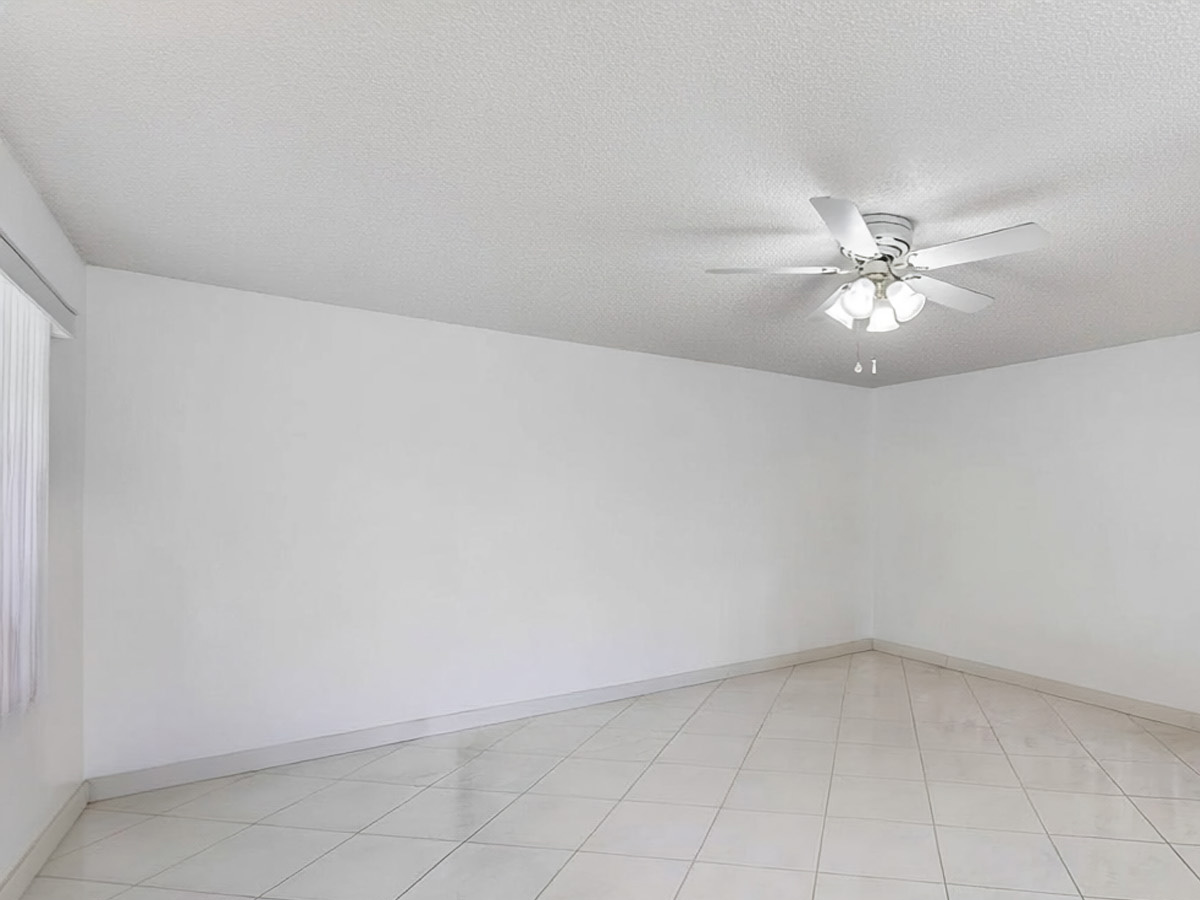
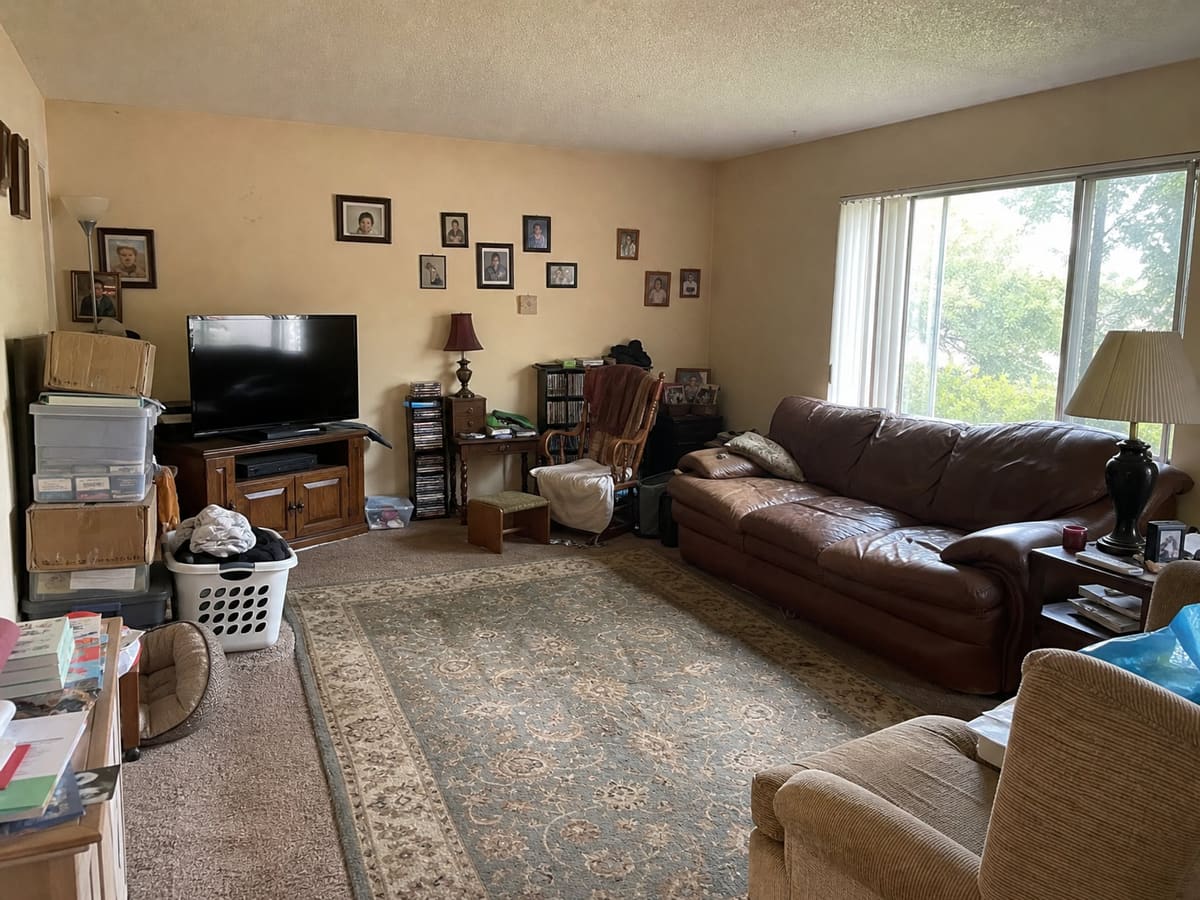
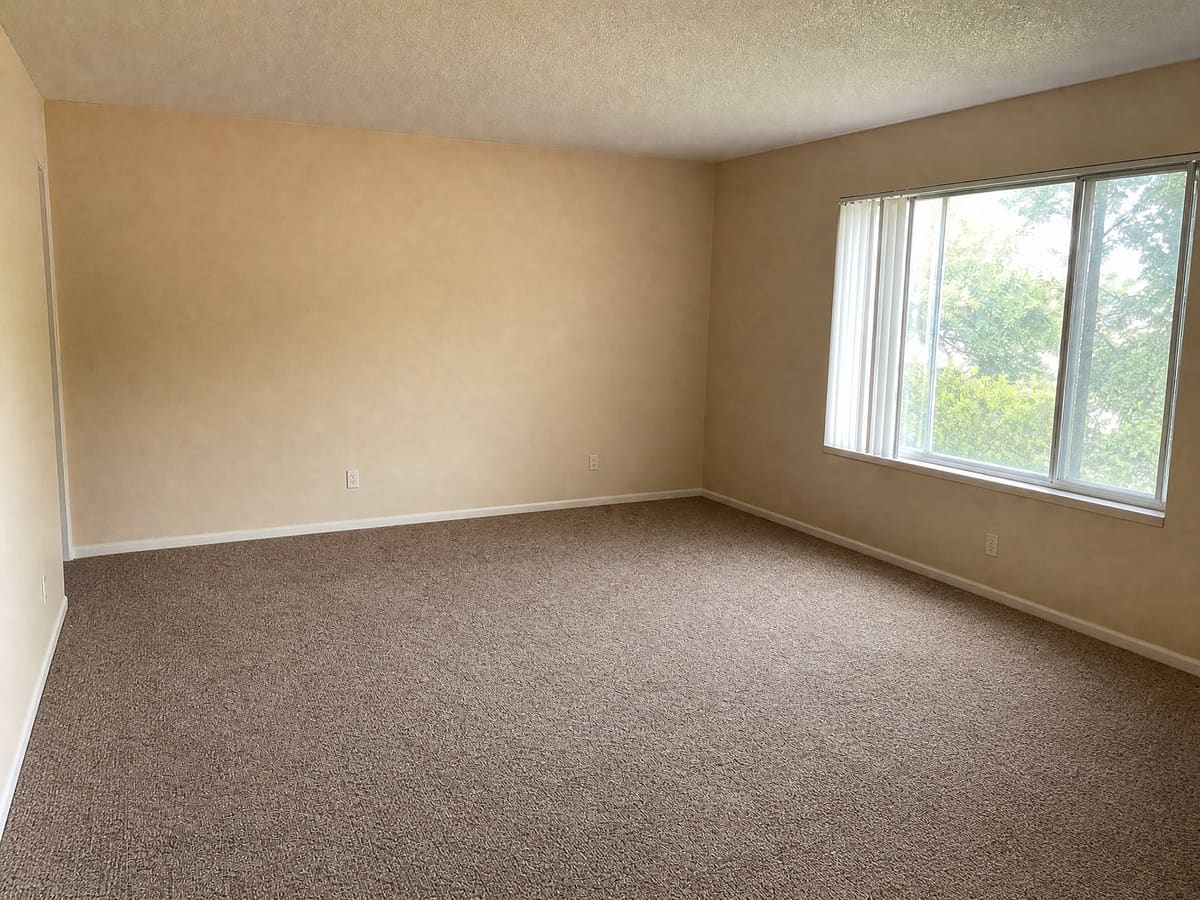
- Shoot the room empty. Virtual staging works best on vacant or nearly empty rooms. For furnished rooms, use Remove Furniture first.
- Stand in a corner at chest height. Capturing two or three walls shows the room's size and gives the furniture a natural layout.
- Keep the camera level. Straight vertical lines make a room look professional. If a shot comes out crooked, Photo Repair can straighten it.
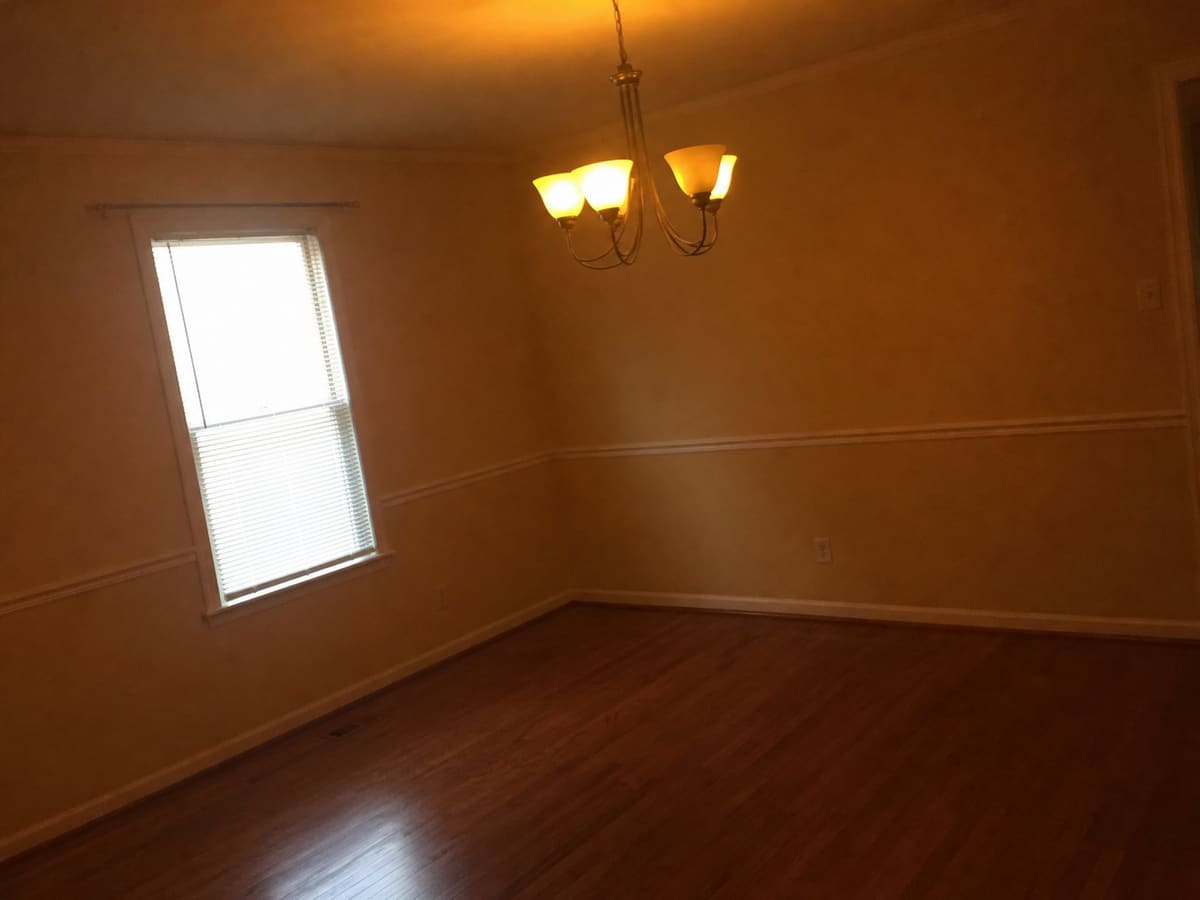
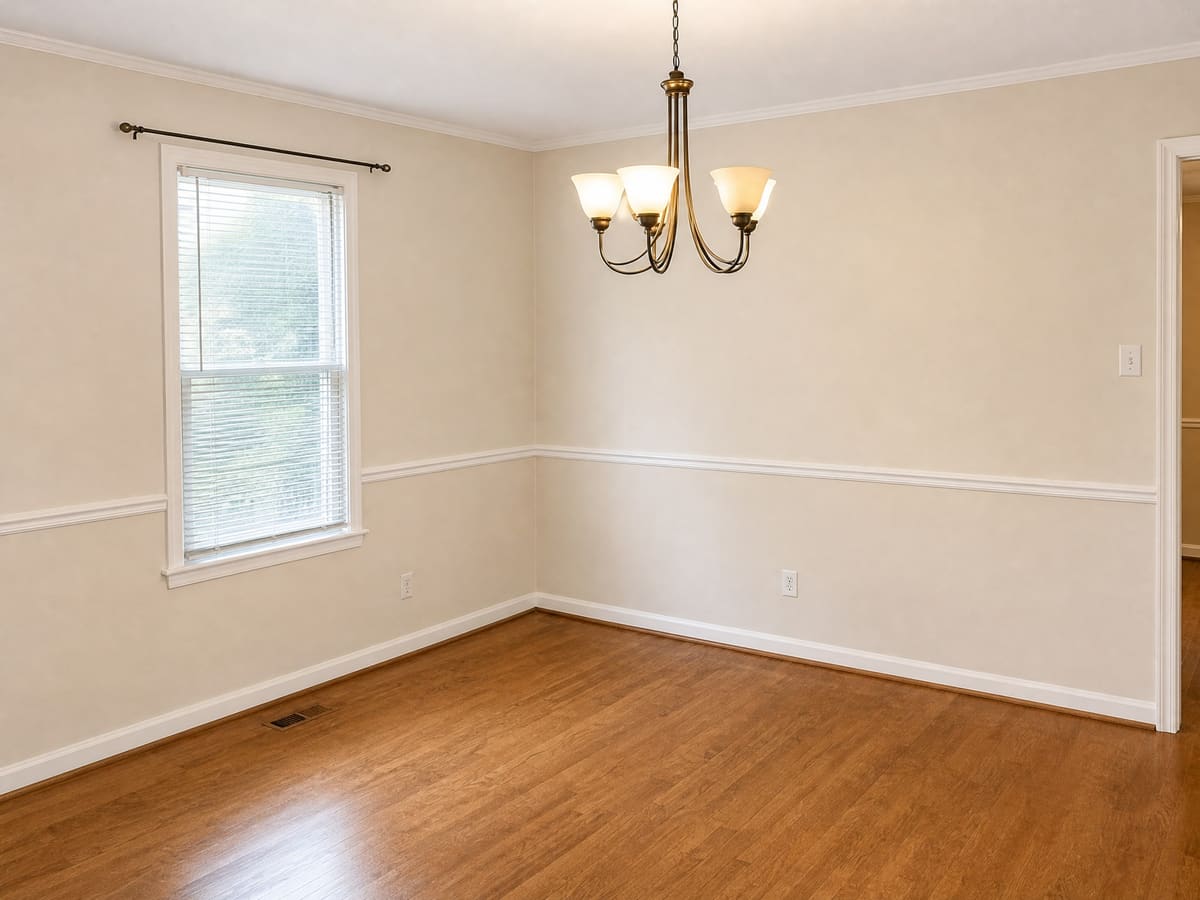
- Turn on the lights and open the blinds. Even, bright light gives the most realistic staging. Dark or yellow photos can be fixed with Photo Repair.
- Use the standard photo shape. RoomVizzion keeps your photo’s shape and returns it at 2048 pixels on the long side, so a 4:3 phone photo comes back at 2048 × 1536.
Disclosing Virtually Staged Photos
Many MLSs and brokerages require virtually staged photos to be clearly disclosed, and it builds trust with buyers. Common wording in listing descriptions includes:
“This home has been virtually staged to illustrate its potential.”
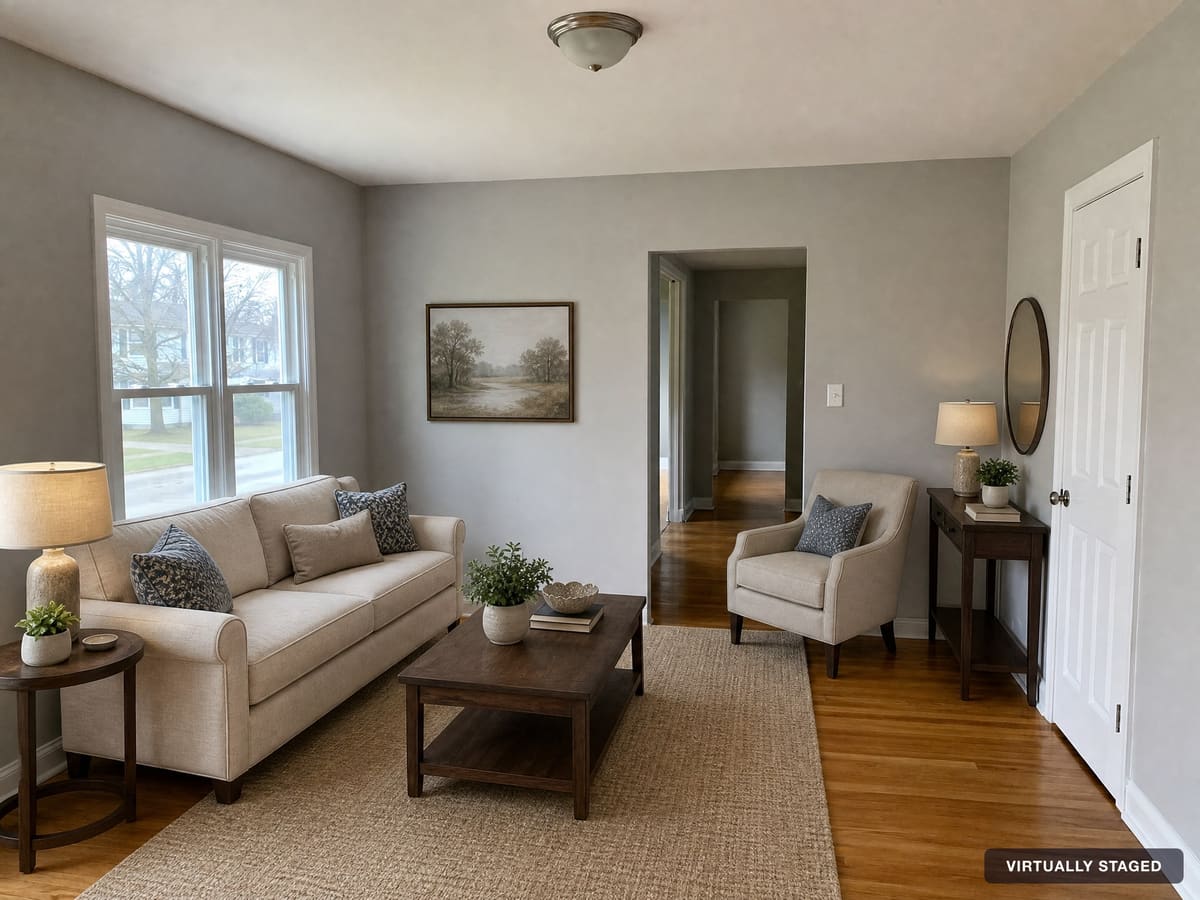
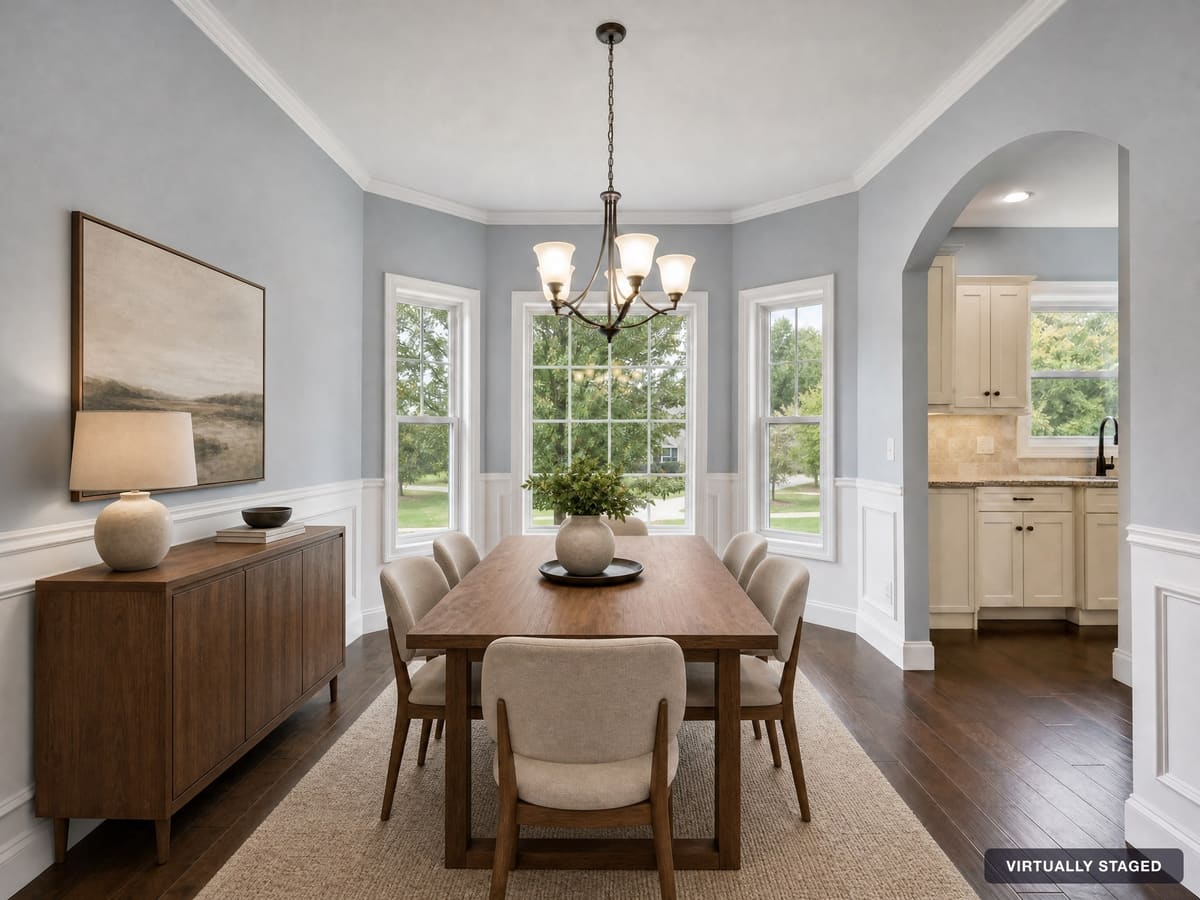
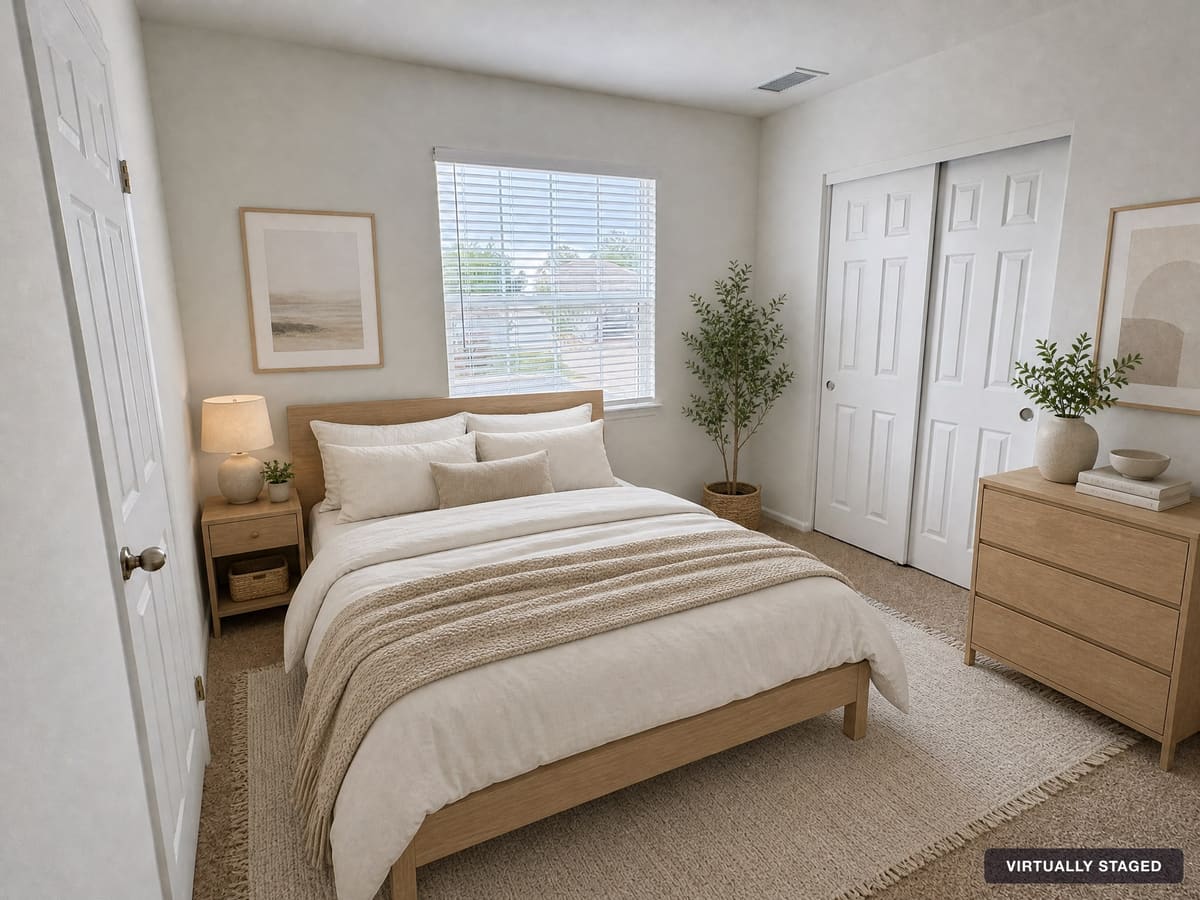
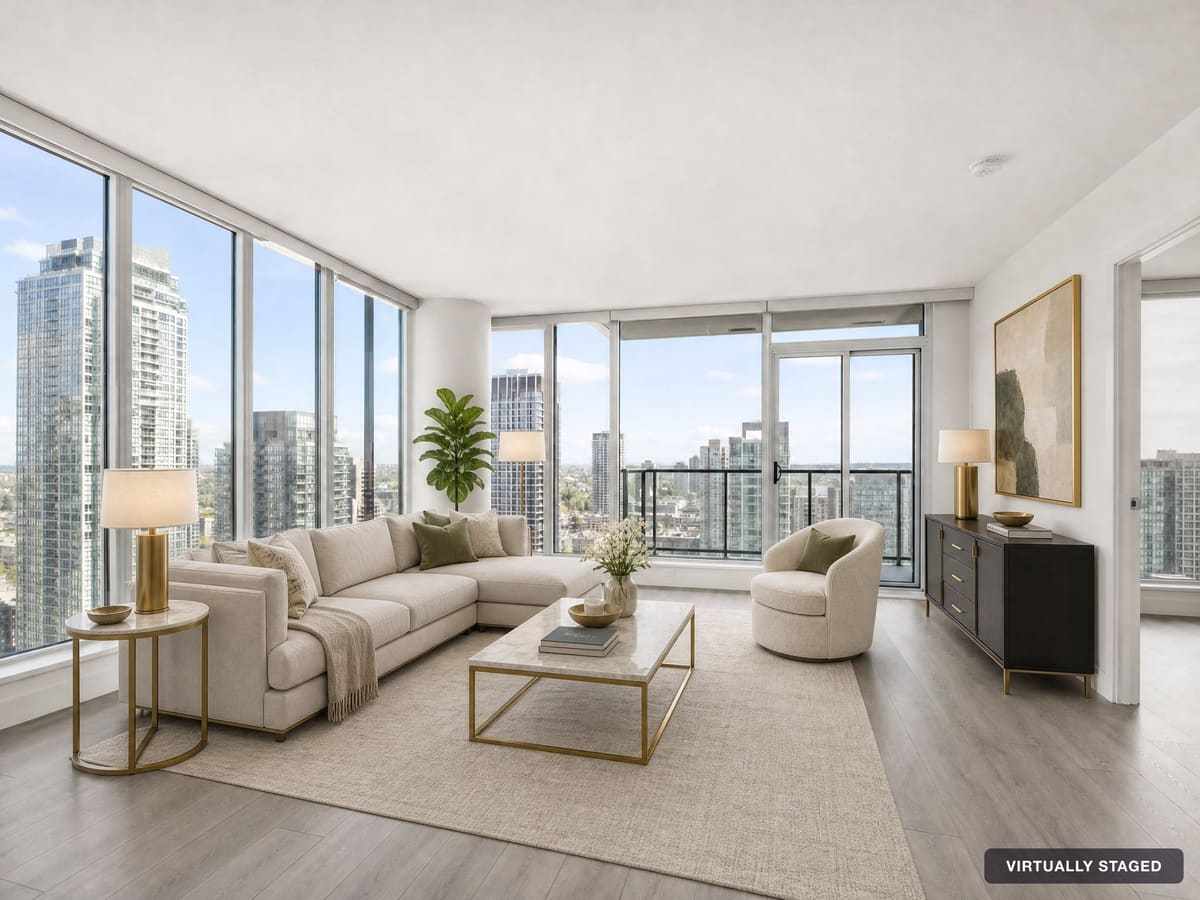
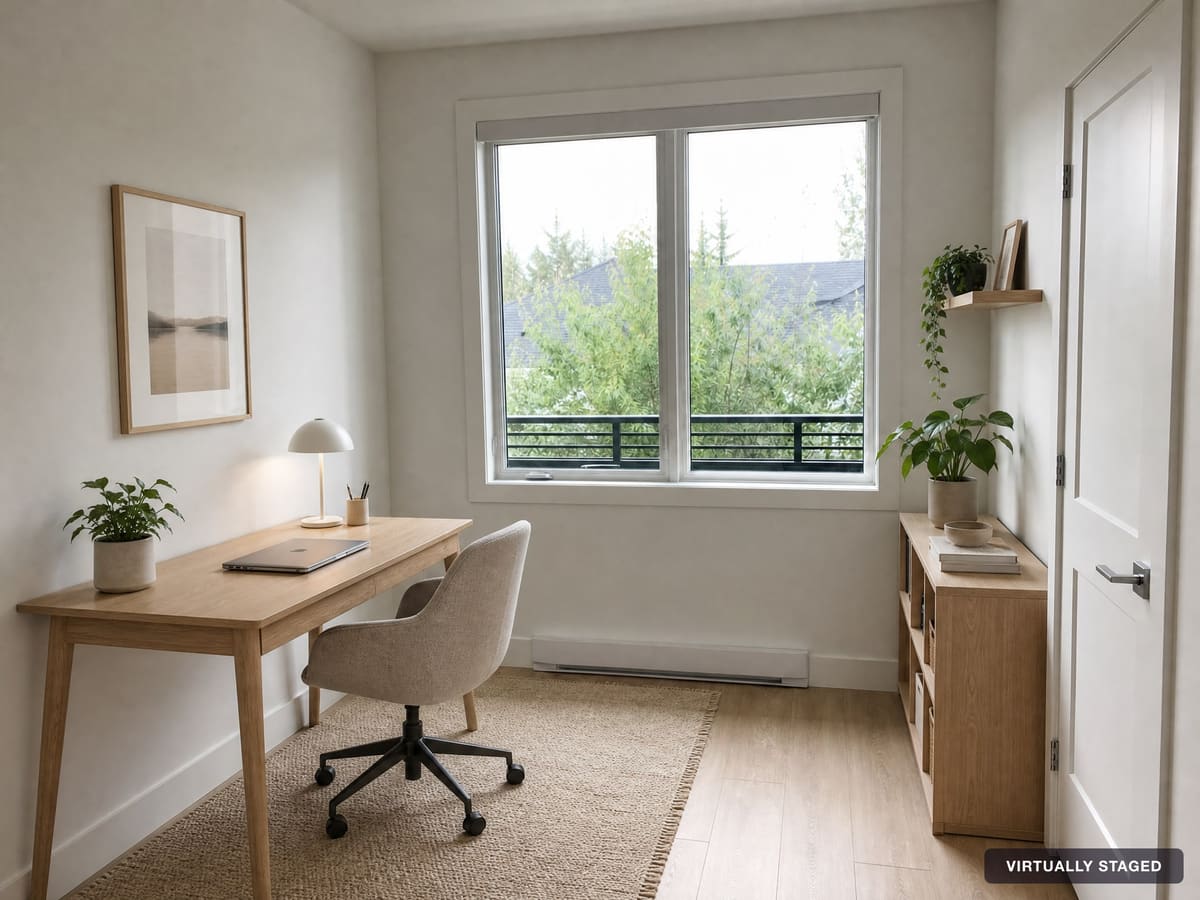
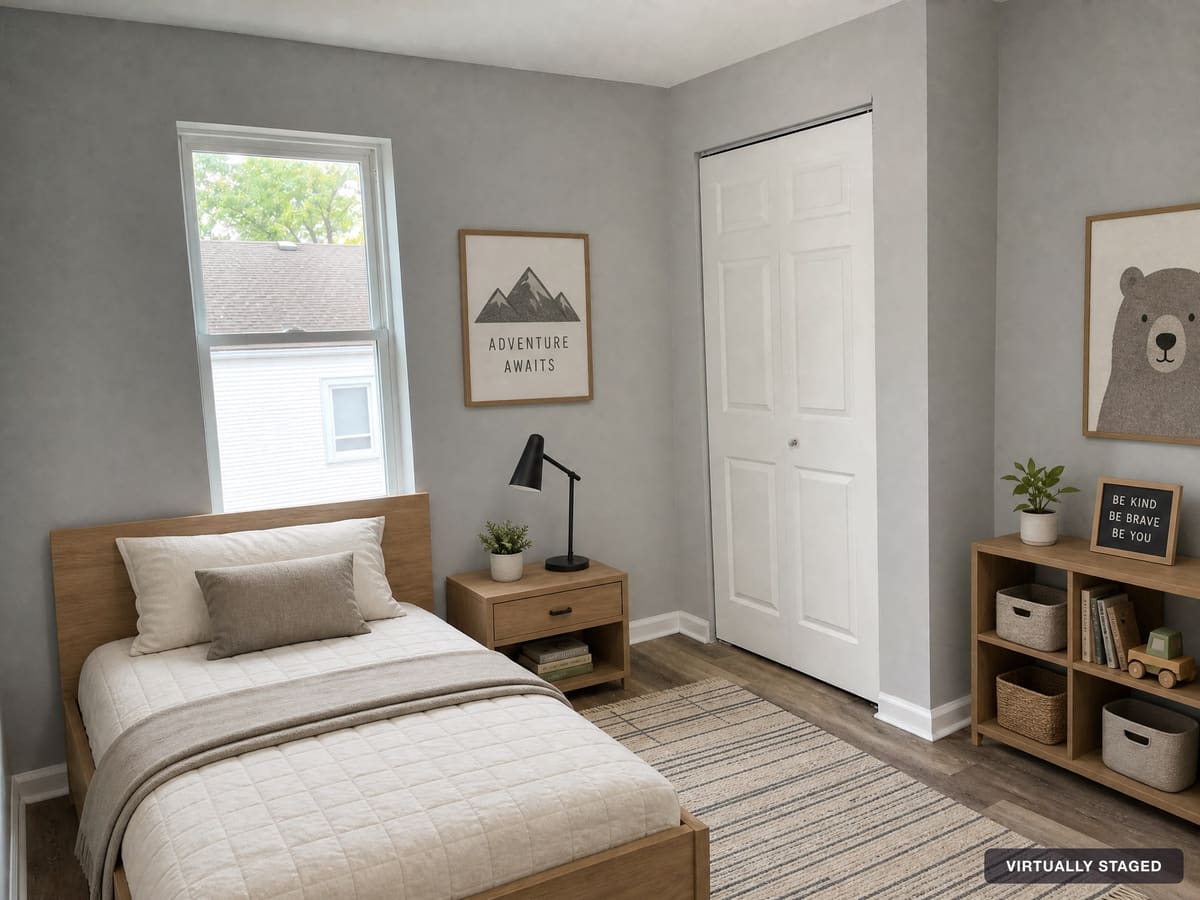
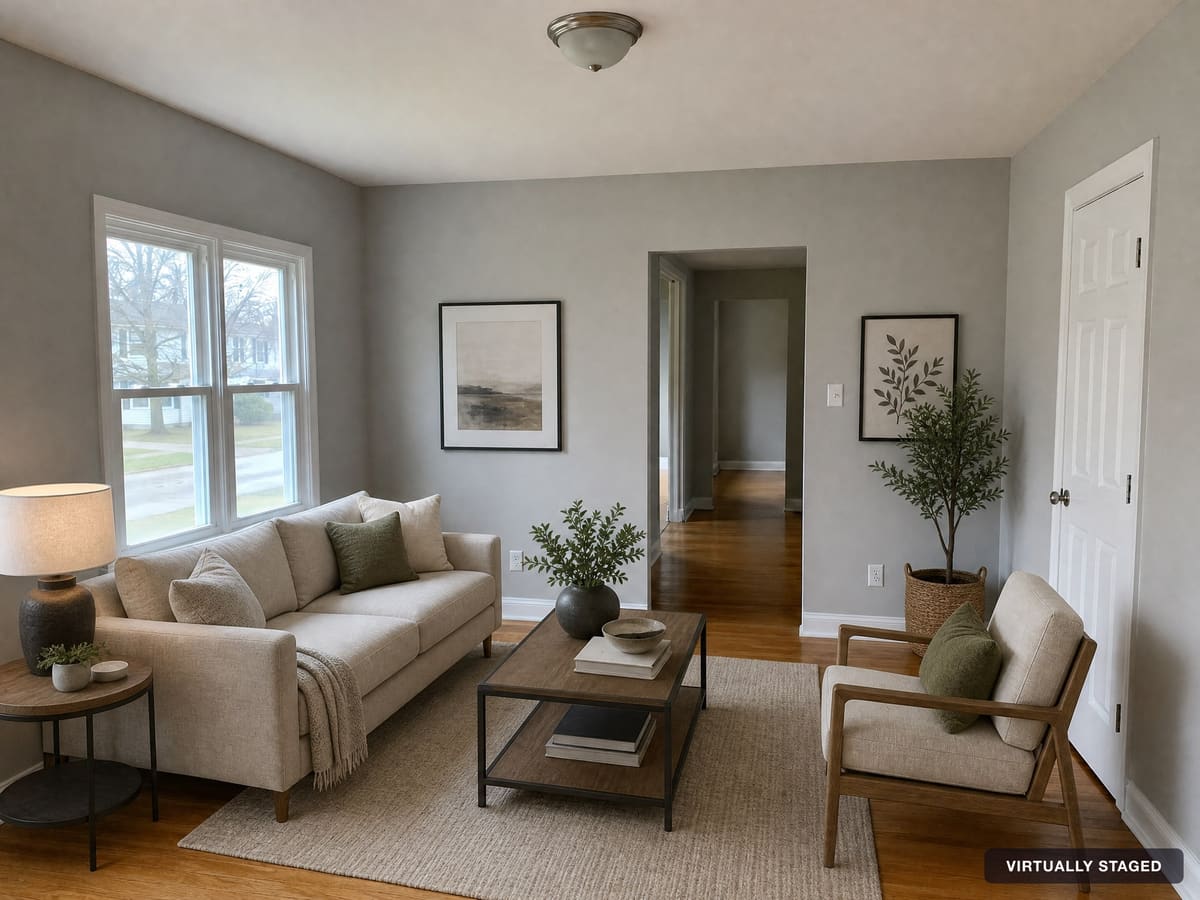
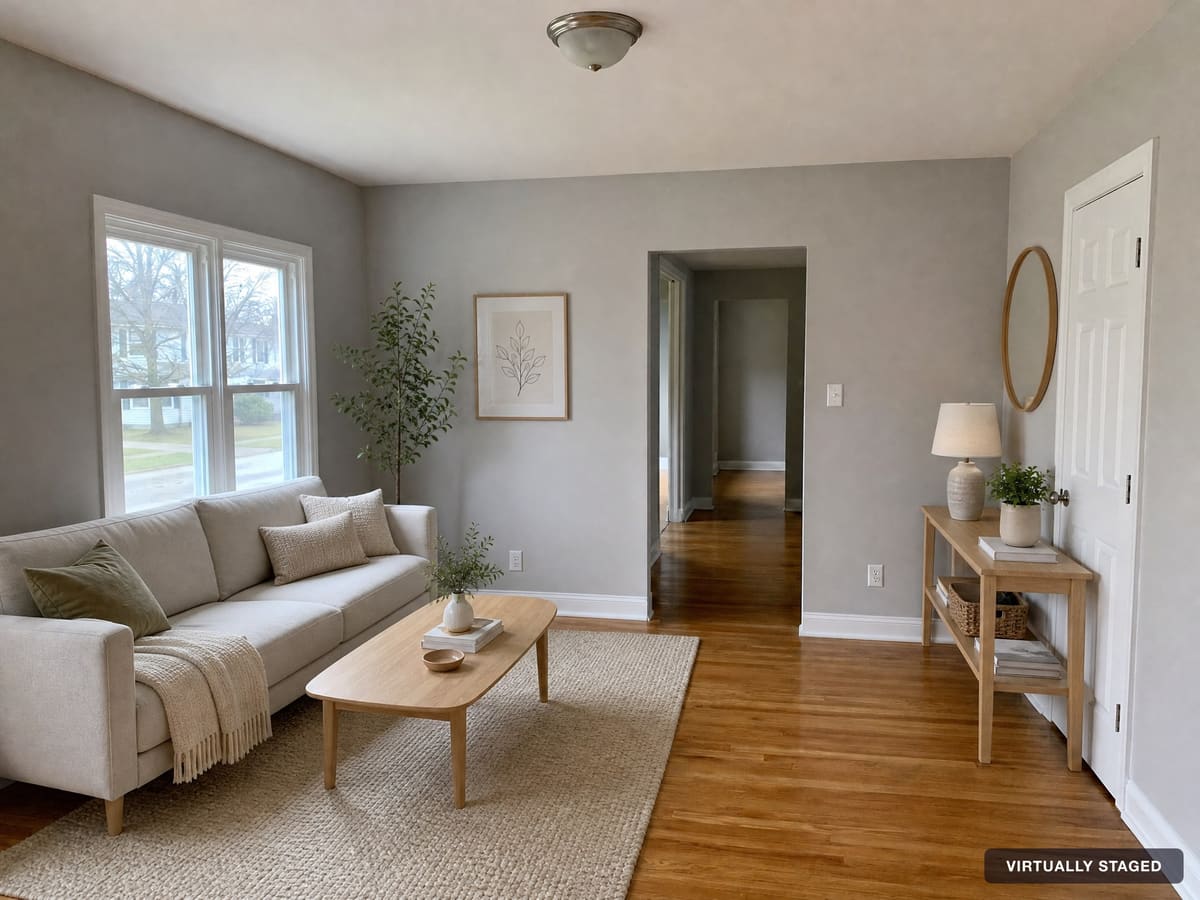
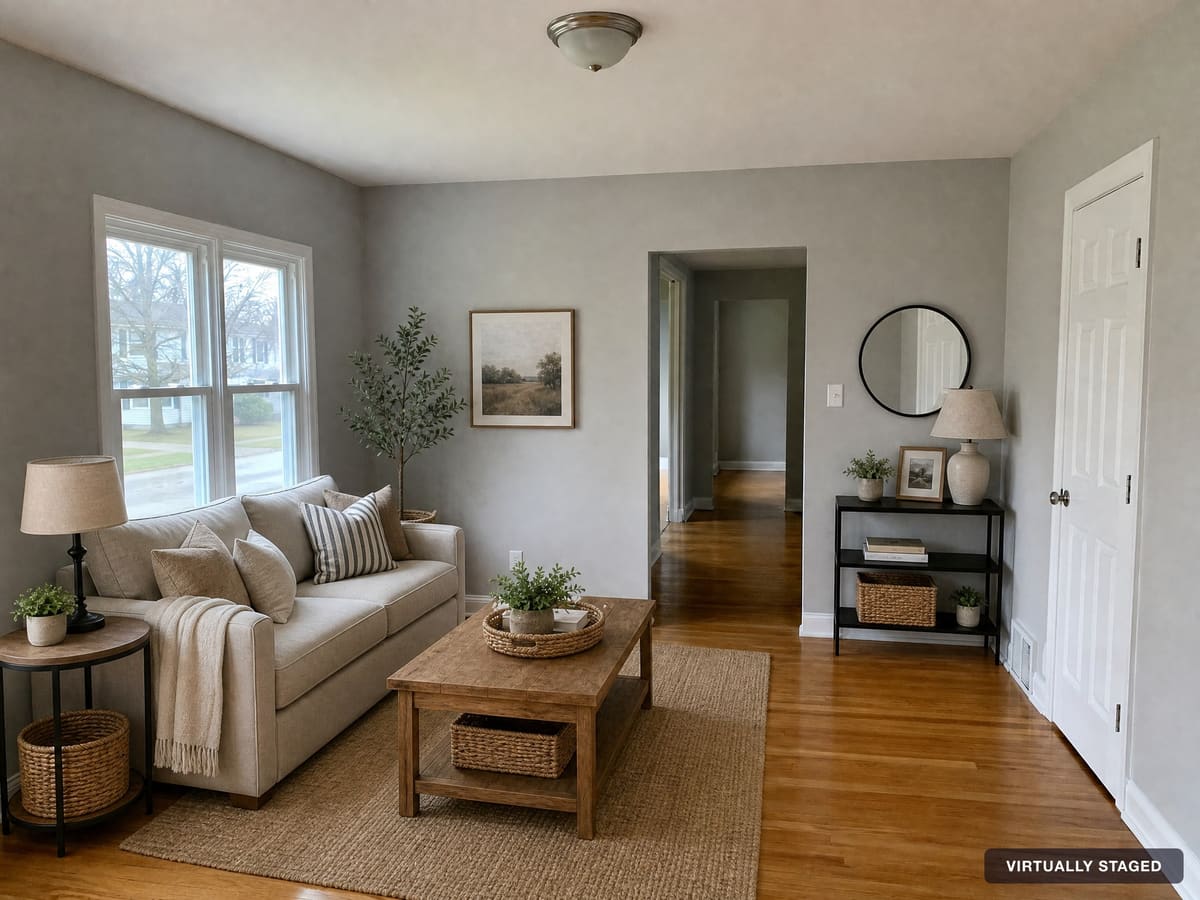
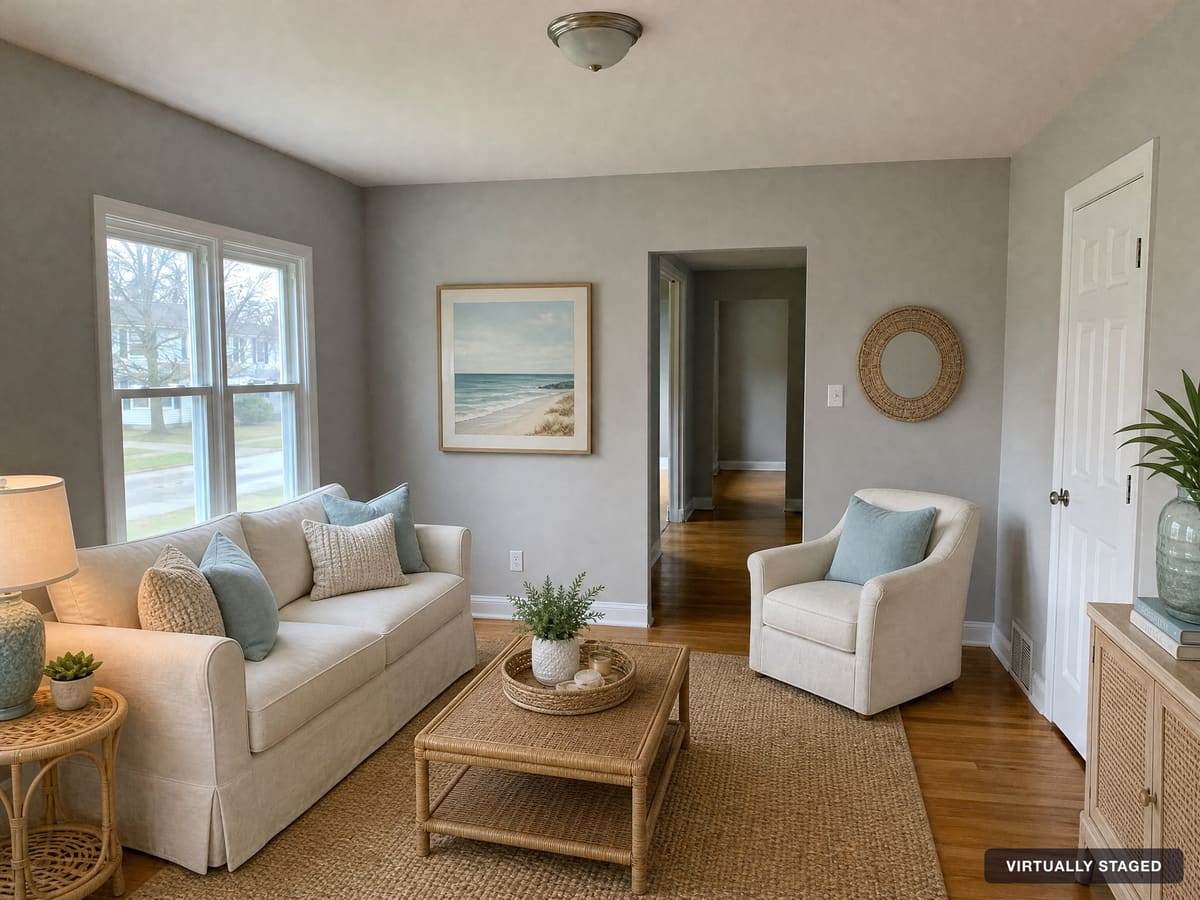
RoomVizzion can also add a small “Virtually Staged” label to the corner of each photo, as you can see in the examples above. It’s on by default and you can turn it off. Rules vary by region, so always follow your local MLS guidelines, and never use virtual staging to hide a property’s condition.
Staged Photos FAQ
What are staged photos?
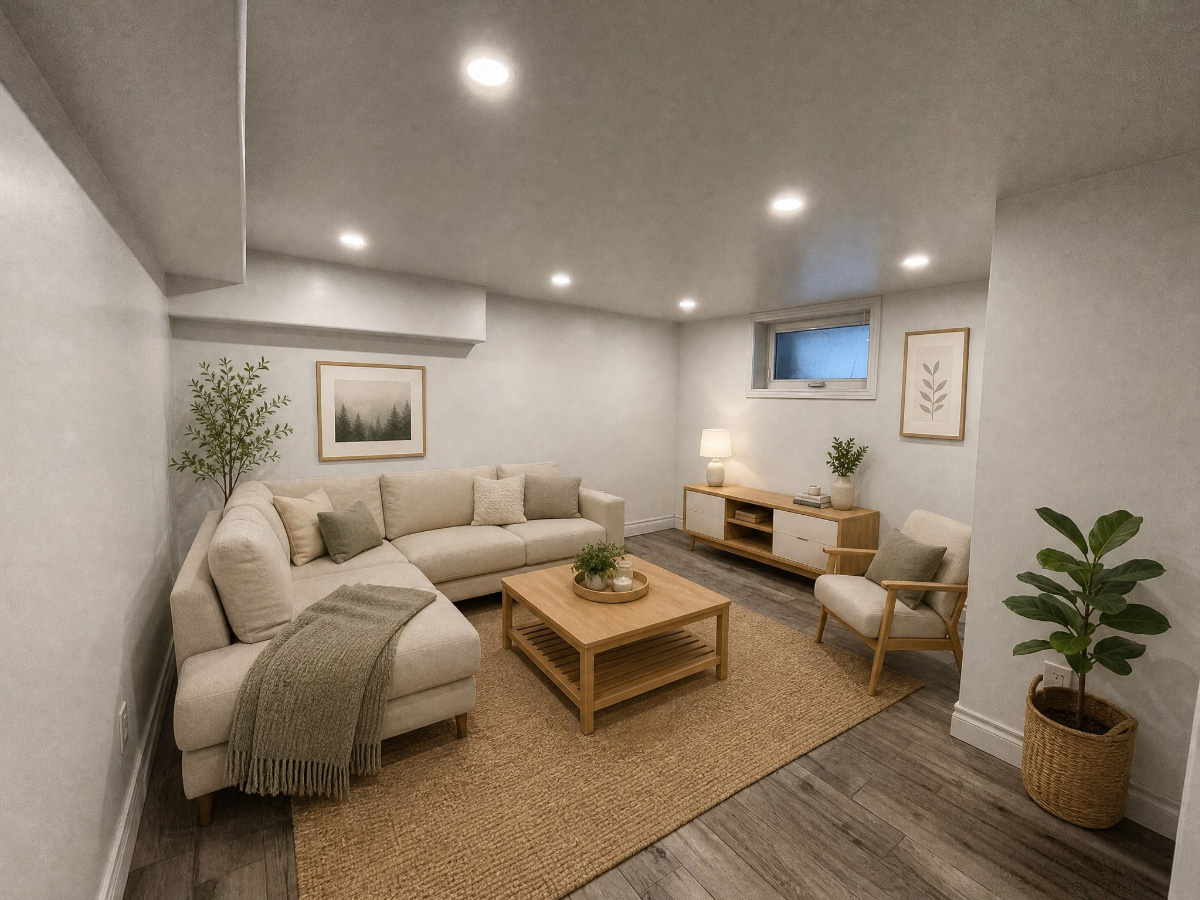
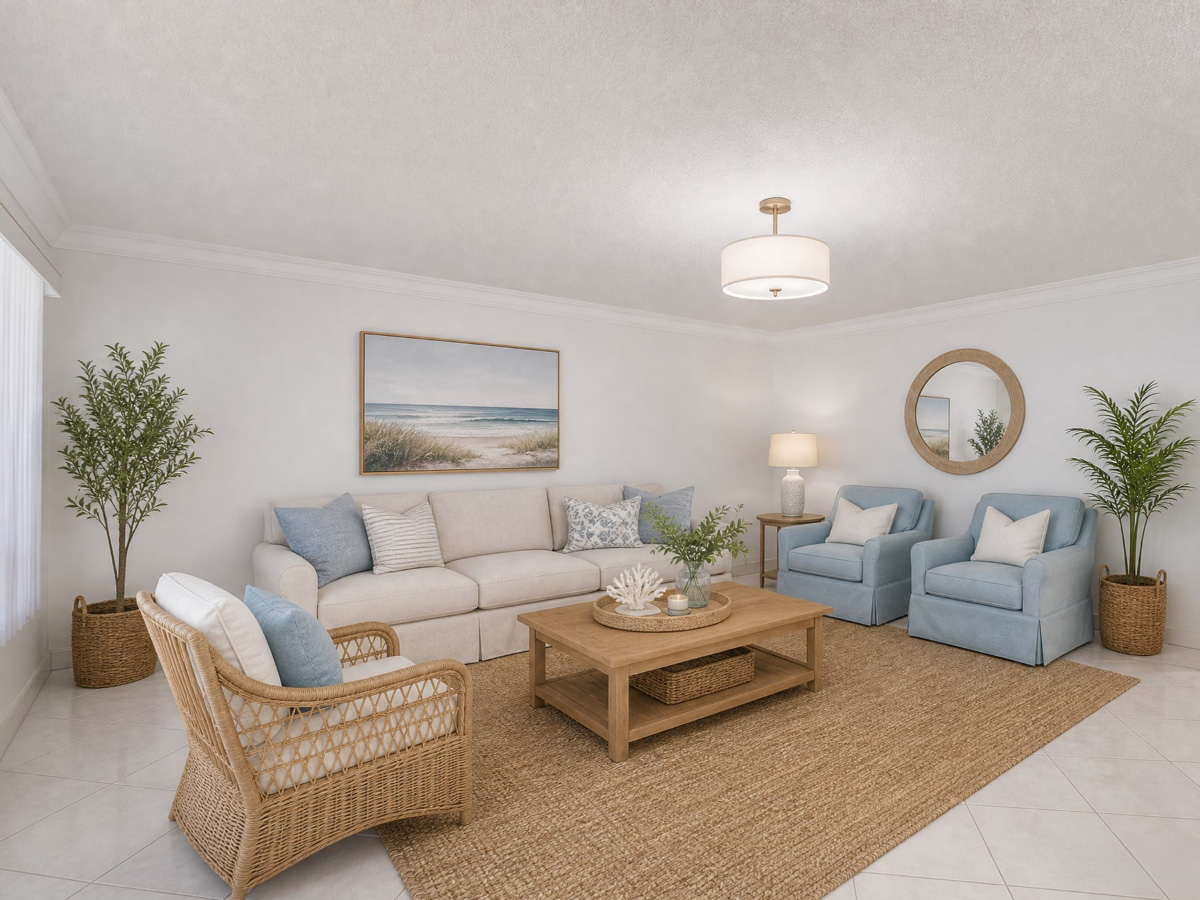
Staged photos are listing photos of a furnished, decorated room, used to help buyers picture living in a home. They can come from physical staging, where real furniture is brought in, or from virtual staging, where furniture is added to a photo of the empty room digitally.
How do I get virtually staged photos of my listing?
Upload a photo of the empty room to RoomVizzion, choose the room type and a style, and the staged photo is ready in about 30 seconds. Each staged photo uses one credit, and new accounts start with 10 free credits.
Can I stage photos taken on my phone?
Yes. Phone photos work well, especially when taken level, from a corner and with the lights on. If a phone photo is dark, has a colour cast or is crooked, Photo Repair can fix it before you stage it.
Will the staged photo still show the real room?
Yes. RoomVizzion adds furniture and decor without moving or resizing the walls, floors, windows or doors, so buyers still see the room’s true layout and size.
Do I need to disclose virtual staging?
Rules vary by MLS, brokerage and region, and many require it. A common approach is a line such as “This home has been virtually staged to illustrate its potential” in the listing, plus a “Virtually Staged” label on the photo, which RoomVizzion can add for you.